Start with the blocker model, not a superlative
Android spam blockers solve different problems. Some compare callers with a shared reputation network. Others apply strict unknown-caller rules. NoRing uses Android call filtering plus decisions and repeat-call evidence stored on your phone. The right model depends on the calls you want to stop and the data tradeoff you accept.
The spam calls NoRing is built to reduce
People describe unwanted calls in different ways: spam calls, robocalls, scam calls, sales calls, telemarketing calls, and unknown repeat callers. NoRing addresses the shared problem behind those searches: unwanted patterns that keep coming back.
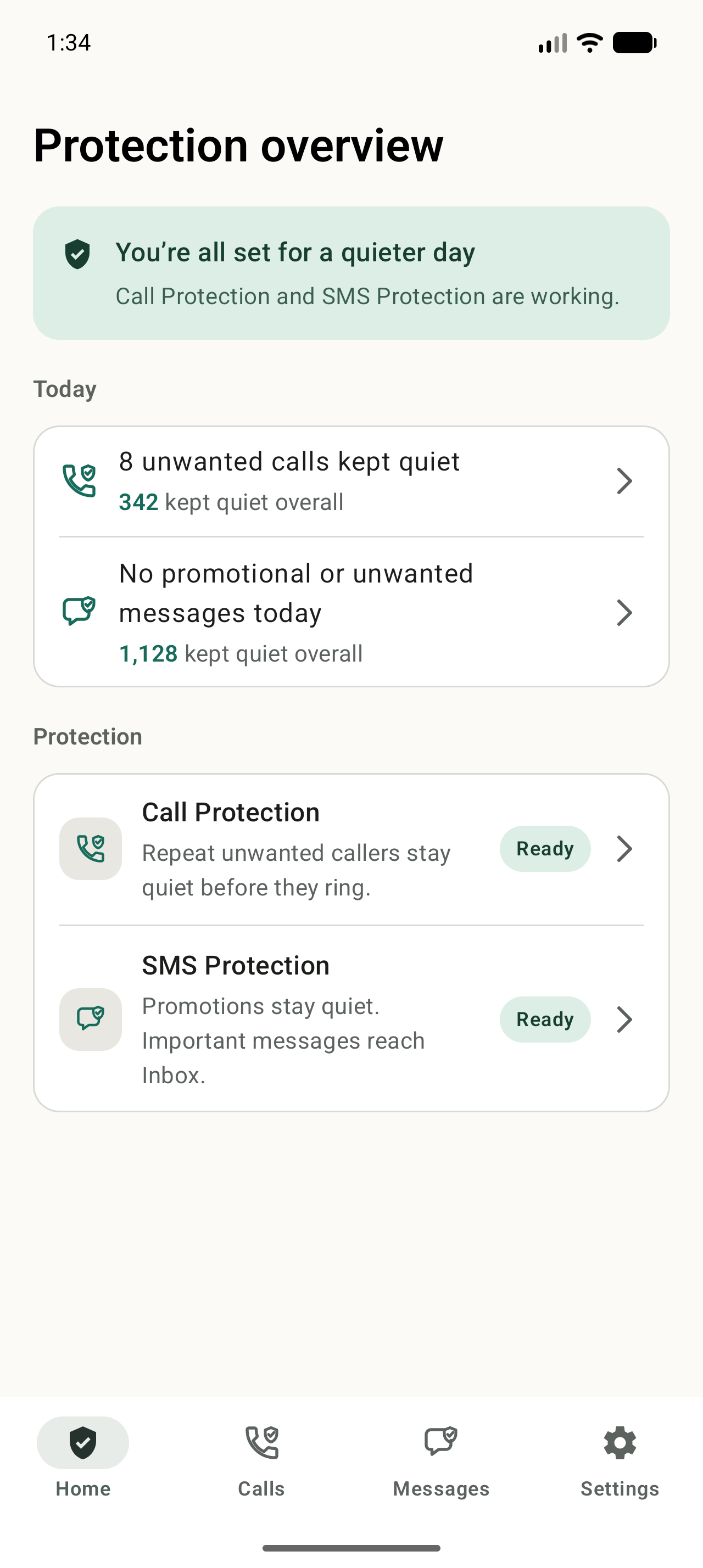
- Declines eligible repeat unwanted patterns before the ring when Android allows it
- Lets you mark a specific number as spam or allow it in the future
- Keeps saved contacts and numbers you called safe by default
- Shows protected history so mistakes can be reviewed and corrected
What NoRing deliberately does not promise
NoRing is not a global caller-ID directory and does not claim to identify or stop every unfamiliar number. It is strongest when the same unknown callers, or tightly similar numbers, keep calling. If NoRing lacks enough local reason to decline a call, the safer default is to let it ring.
Check the correction path before you install
Any automatic blocker can make a wrong decision. NoRing shows its declined calls in Protected history, can notify you after a protected call, and lets you allow a number for the future. Recovery is especially important if you receive calls from doctors, schools, delivery drivers, or other unfamiliar but legitimate callers.
Free means the protection is not behind a subscription
Call Protection remains available without a paid plan. Free users may see restrained ads on eligible safe screens. Optional NoRing Plus supports development and removes ads while active; it does not unlock stronger blocking.
How to choose an Android spam blocker
Different spam blockers make different tradeoffs. NoRing is deliberately optimized for private repeat-spam blocking.
| Need | NoRing fit | Alternative fit |
|---|---|---|
| Stop repeat unknown spam before it rings | Strong fit. NoRing learns local repeat patterns and can decline matching calls through Android call filtering. | Built-in filters and cloud caller-ID apps may help, but many focus on labeling or shared reputation. |
| Keep contacts and call history off cloud spam scoring | Strong fit. Call logs, contacts, phone numbers, call decisions, and local learning stay on the phone. | Read each app's privacy model carefully, especially if it depends on shared caller-ID or reputation data. |
| Identify names for many unknown businesses | Not NoRing's main job. It is a blocker for repeat unwanted calls, not a global caller-ID directory. | A cloud caller-ID network may fit better when broad identification matters more than local-only protection. |
| Use spam protection without an account | Strong fit. NoRing does not require account sign-in for core blocking. | Some larger services may ask for accounts or more network-backed features. |
| Free core spam blocking | Strong fit. Core spam call protection stays free. NoRing Plus only removes ads while active. | Compare free limits and subscription gates before choosing another app. |
Is NoRing a good fit?
NoRing is a strong fit when you want free repeat-caller protection with local learning and a privacy boundary that keeps call data on your phone.