Choose Samsung's own blocking level deliberately
Where Smart Call is supported, Samsung may let you block all identified spam and scam calls or only high-risk scam calls. A stricter setting can reduce interruptions, while the high-risk-only option leaves more uncertain calls available.
If Caller ID and spam protection is missing
Samsung says Smart Call availability varies by model, carrier, and software version. If the option is not present, use the controls that your own Phone app exposes rather than following screenshots from a different Samsung model or region.
Use NoRing for private repeat evidence
NoRing is not a shared caller-ID directory. It focuses on repeat unknown-call behavior learned locally and does not upload contacts, call logs, phone numbers, or call decisions for spam scoring.
Confirm which protection is making each decision
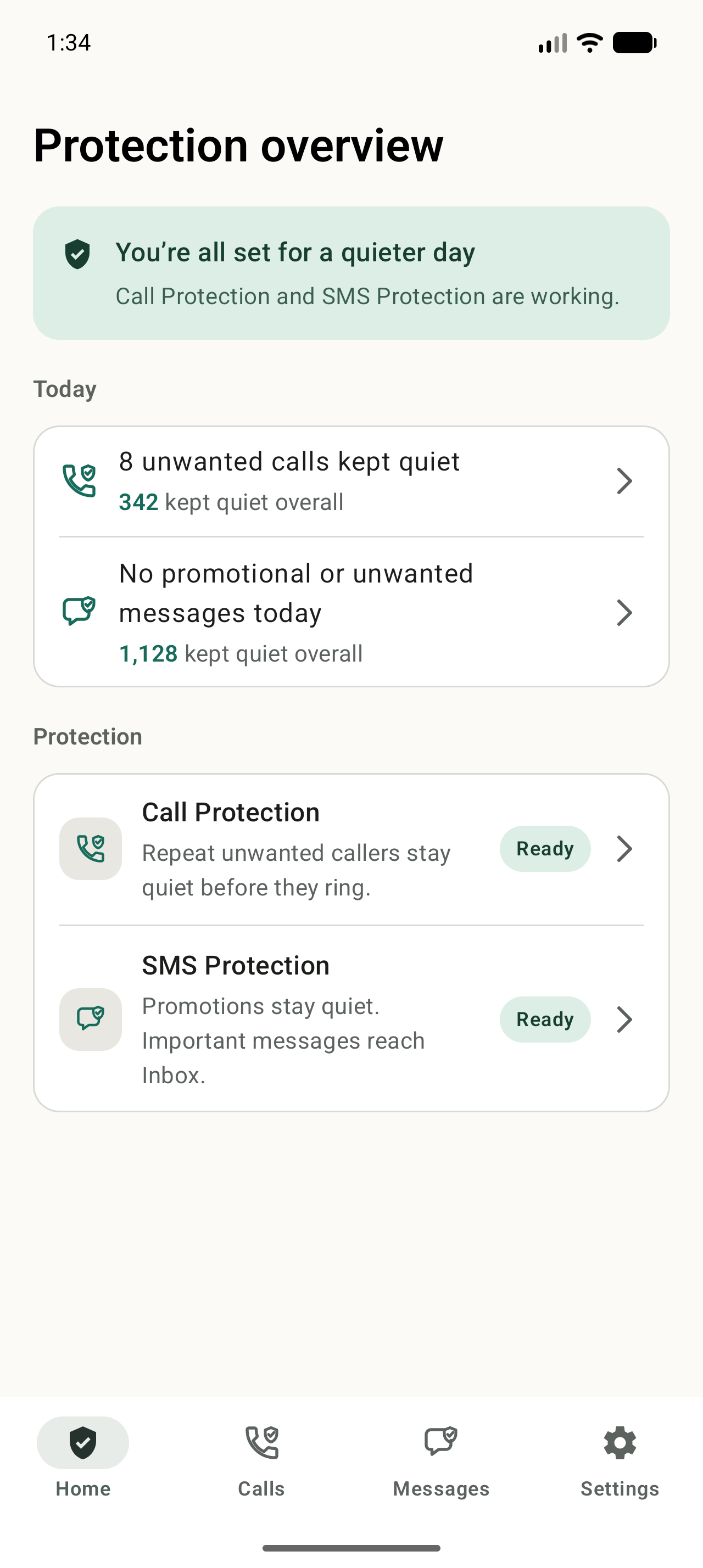
Samsung can show its own caller or spam labels. NoRing records calls it protected in NoRing's Protected history. Looking at the matching history helps you understand and correct NoRing's decisions without assuming every blocked call came from the same system.
Set up NoRing
Check Samsung's built-in spam controls
Open Phone, choose More options, then Settings, and look for Caller ID and spam protection. Availability varies by model, carrier, region, and software version.
Choose Samsung's blocking level
If Smart Call is available, Samsung may let you block all identified spam and scam calls or only high-risk calls. Choose the level that matches how cautious you want the Phone app to be.
Enable NoRing Call Protection
Install NoRing from Google Play, grant Android incoming call filtering access, and confirm the app reports that Call Protection is ready.
Let local repeat evidence build
Reject or quickly end repeat unknown calls. NoRing can learn those patterns on your phone without sending call history or phone numbers to a cloud scoring service.
Review protected calls
Samsung's labels and NoRing's Protected history answer different questions. Review NoRing's history to allow a number if an important repeat caller was filtered.
Is NoRing a good fit?
On supported Samsung phones, open Phone, choose More options, then Settings, then Caller ID and spam protection. The menu and blocking choices vary by model, carrier, region, and software version.